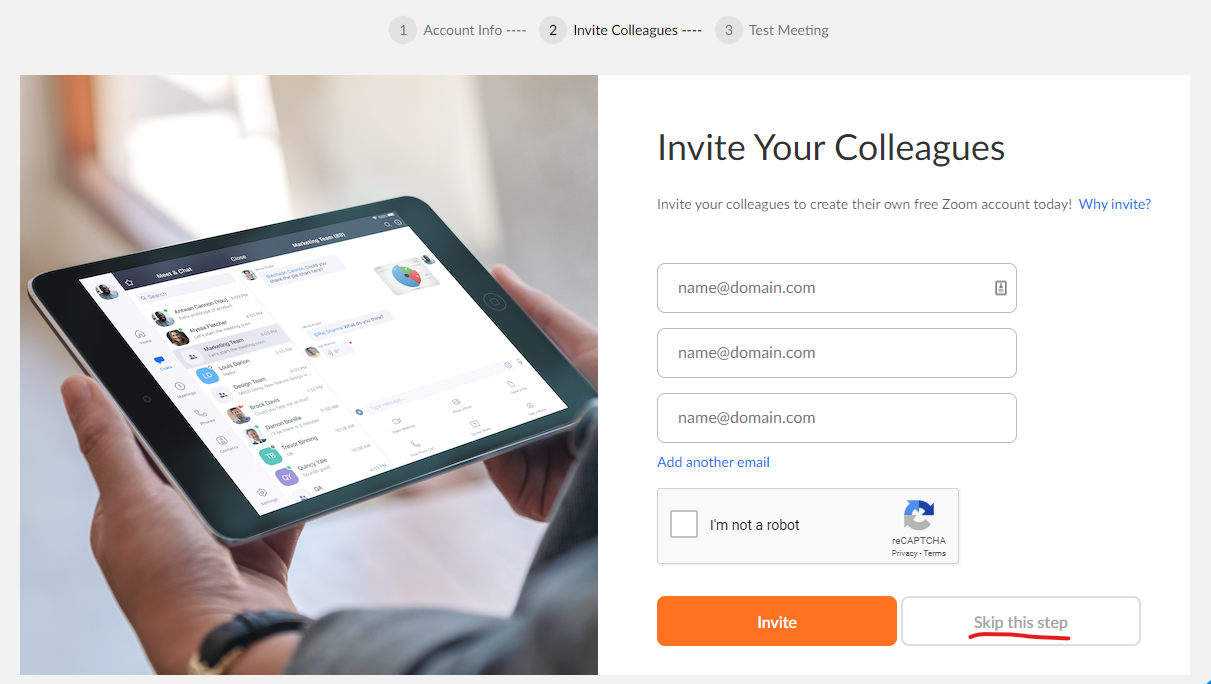
| 5. Zoom generates a specific link just for you to give to people you want to invite to your call. You can also join other’s Zoom meetings if they invite you by sending you a link.
6. Now that you have a Zoom account, you’ll need to install the software on your computer. You only need to create an account and install the software once. After that, you can use Zoom whenever you like!
If you’re installing Zoom on a Windows or Apple computer for the first time, follow these instructions:
1. To install the software, go to this link and select the device onto which you want to install Zoom: https://zoom.us/download
2. As it installs, you’ll see the following screen. Select “Save File”: |